Lighting
- Create Lights
- Ambient light: Raises the overall light in the scene by increasing the brightness of all objects.
- Directional light: Casts light in parallel rays from a cylindrical source.
- Point light: Casts light equally in all directions from a single
- point. Spot light: Casts light from a cone that can be positioned.
- Area light: Casts light equally from a specified area.
- Volume light: Casts light within a specified volume
- Arnold Lights
- The light objects that work with the Arnold Renderer are located in the Arnold Lights menu.
- The available types include the basic Maya lights and several unique to Arnold such as Area, Skydome, Mesh, and Photometric.

- Light bulb
- Select the light bulb
- Arnold > Lights > Mesh Light > Attribute Editor > Light Attribute - Light Visible
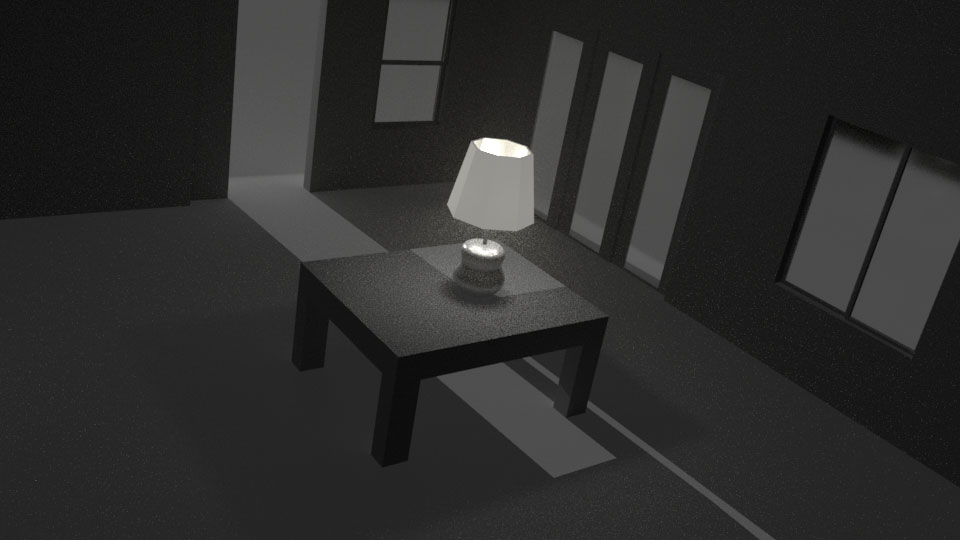
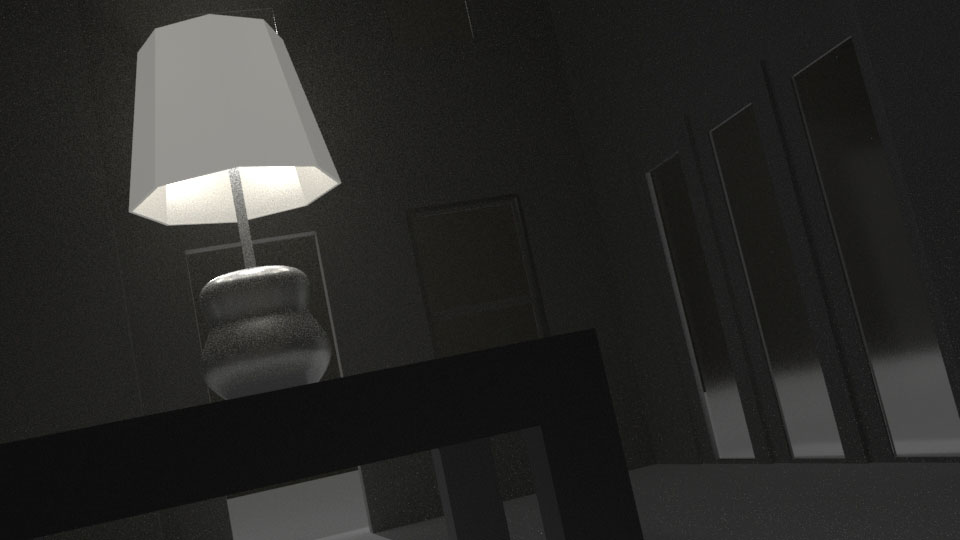
- Light Fog
- Spot Light > Light Effect > Light Fog
- Arnold renderer
- The Arnold renderer includes many additional lighting-based features, such as caustics, global illumination, and a final render, which enables scenes to be rendered with much more detail. Render Settings > Arnold Renderer: Environment
- Stylistic Choice vs. Technical Problem
Whether shadowy areas being too dark in animation is "bad" depends entirely on the intended artistic style, mood, and practical considerations like visibility and accessibility.
- Intentional Style: Dark shadows can be an effective artistic choice to create a specific mood or atmosphere, such as tension, mystery, or realism. The directors of certain films or series may use high contrast and deep shadows as a deliberate aesthetic to enhance the narrative, as seen in some darker animated films.
- Technical Problem: If the shadows obscure important details or actions, making it difficult for the audience to follow the story or see the characters clearly, then they are likely a problem. This is a common issue in video games and computer graphics where poor lighting setup or engine limitations can make areas completely black, even when the user's eyes would adapt in real life.
- Accessibility/Viewer Experience: Excessively dark scenes can be a poor viewing experience for some audience members, especially on monitors or screens with limited dynamic range (e.g., non-OLED screens in bright rooms).
- Key Considerations for Evaluation
To determine if the shadows in your animation are too dark, consider the following:
- Clarity and Readability: Can the viewer clearly understand what is happening in the scene? If the action or character expression is lost in the shadows, it's likely a problem.
- Mood and Atmosphere: Do the dark shadows support the narrative and intended emotion? If you are aiming for a cheerful scene and the shadows make it gloomy, you might need to adjust them.
- Platform and Export: Keep in mind how the final animation will be viewed. For example, ensuring proper gamma and brightness settings are important when exporting for different platforms to prevent issues.
- Audience Feedback: If multiple viewers complain about not being able to see details, that's a strong indicator that the shadows are too dark.
- Clarity and Readability: Can the viewer clearly understand what is happening in the scene? If the action or character expression is lost in the shadows, it's likely a problem.
- In summary, while dark shadows can be a powerful artistic tool, they become "bad" when they hinder clarity, negatively impact the viewer experience, or are a result of a technical error rather than a deliberate choice.