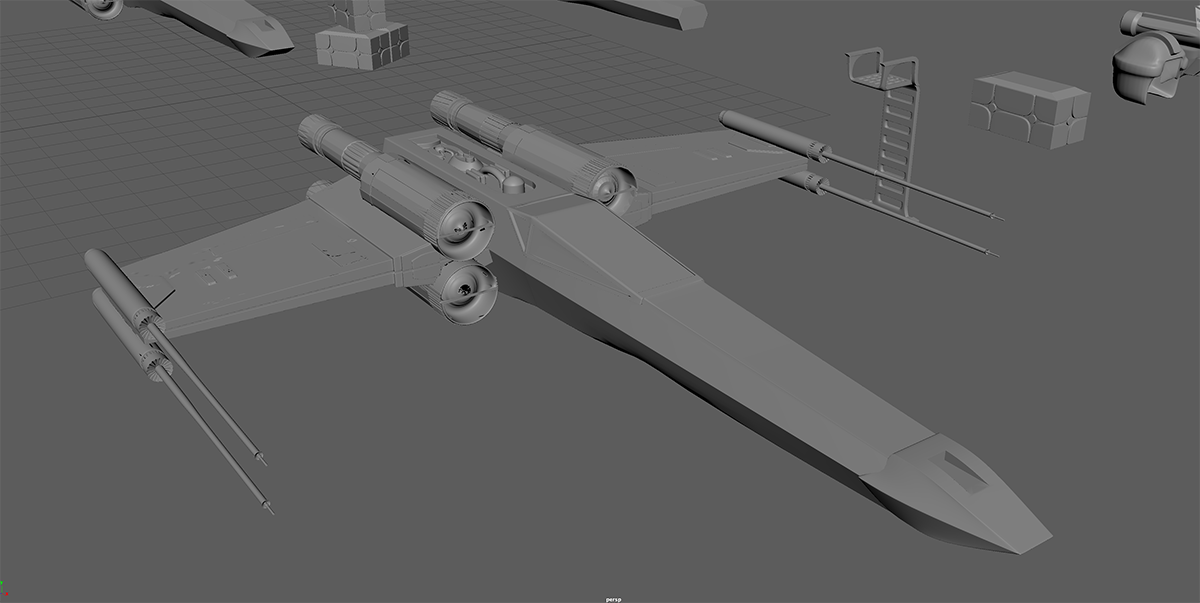
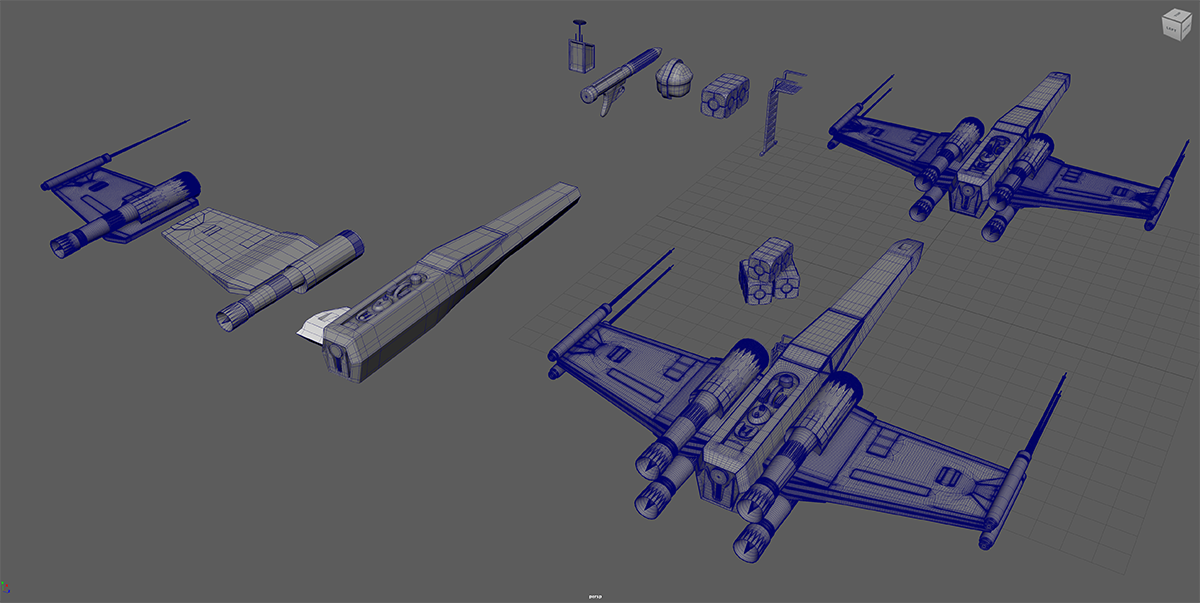
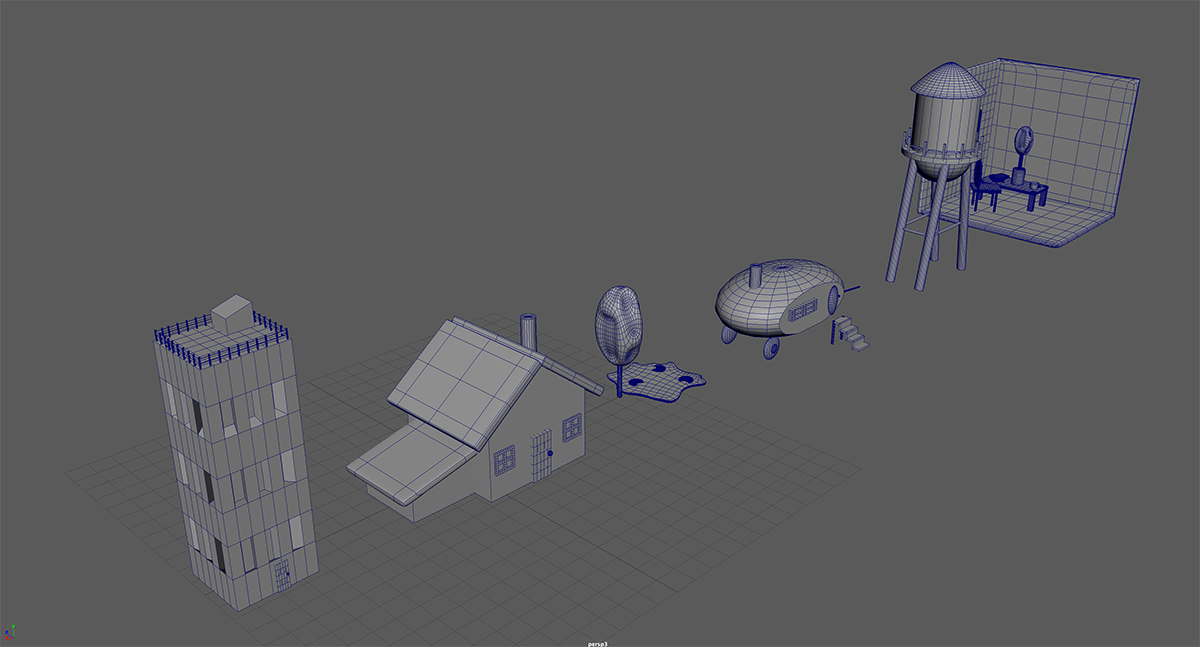
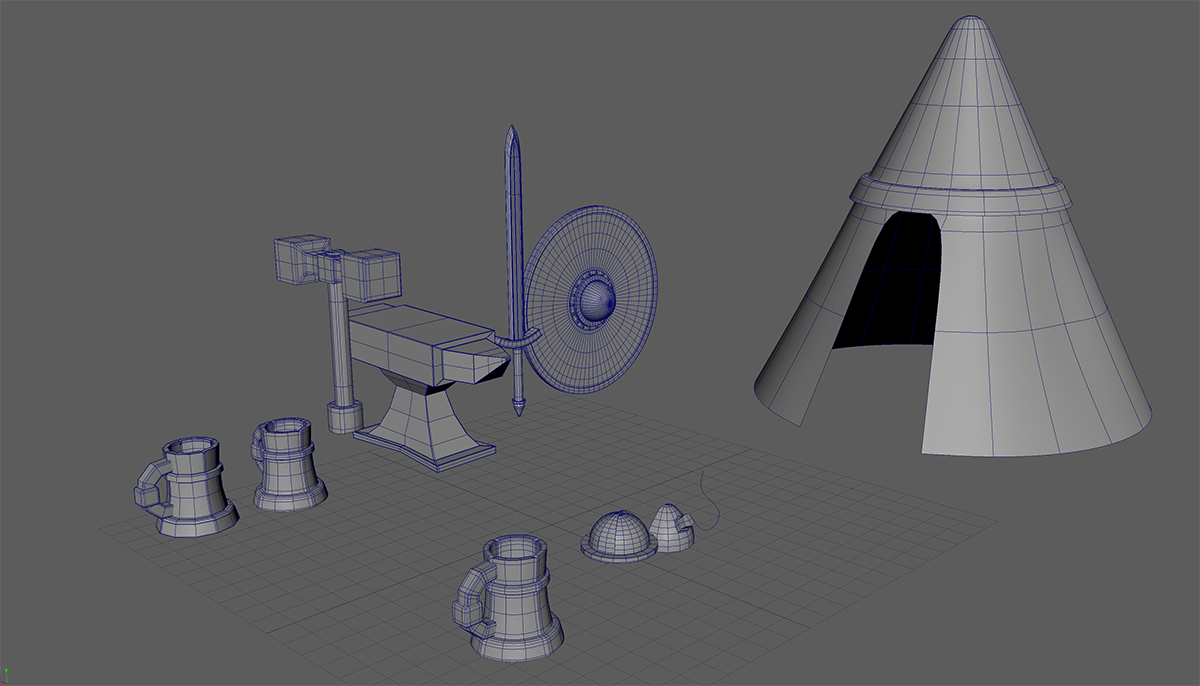
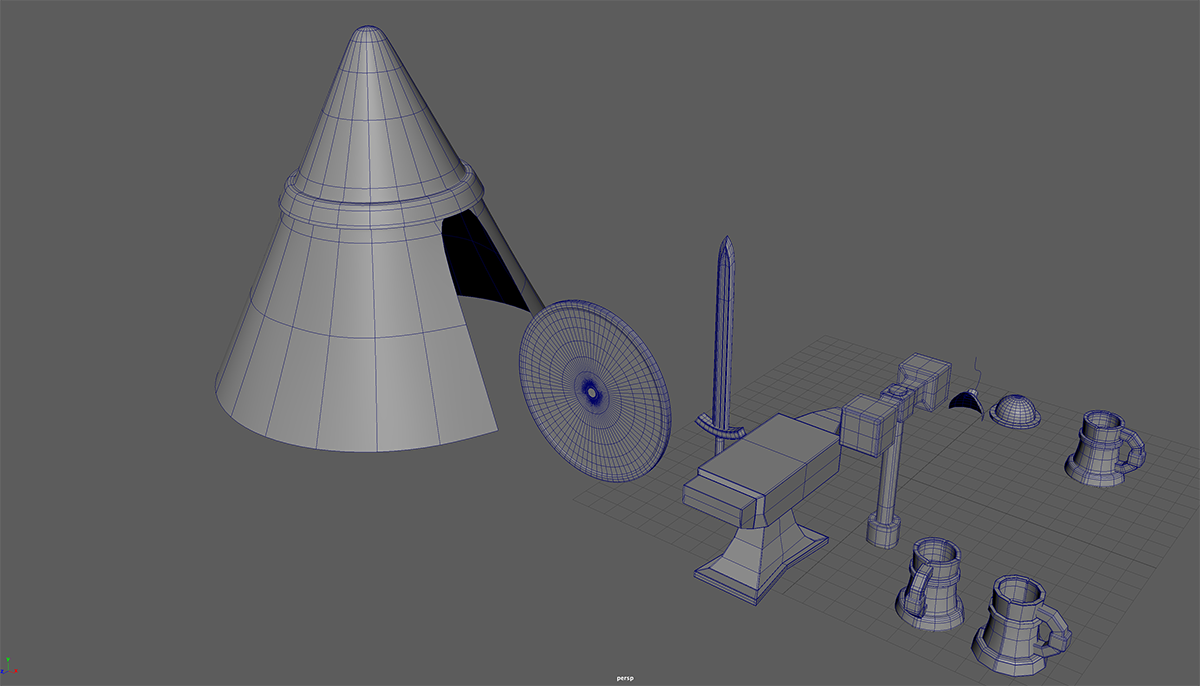
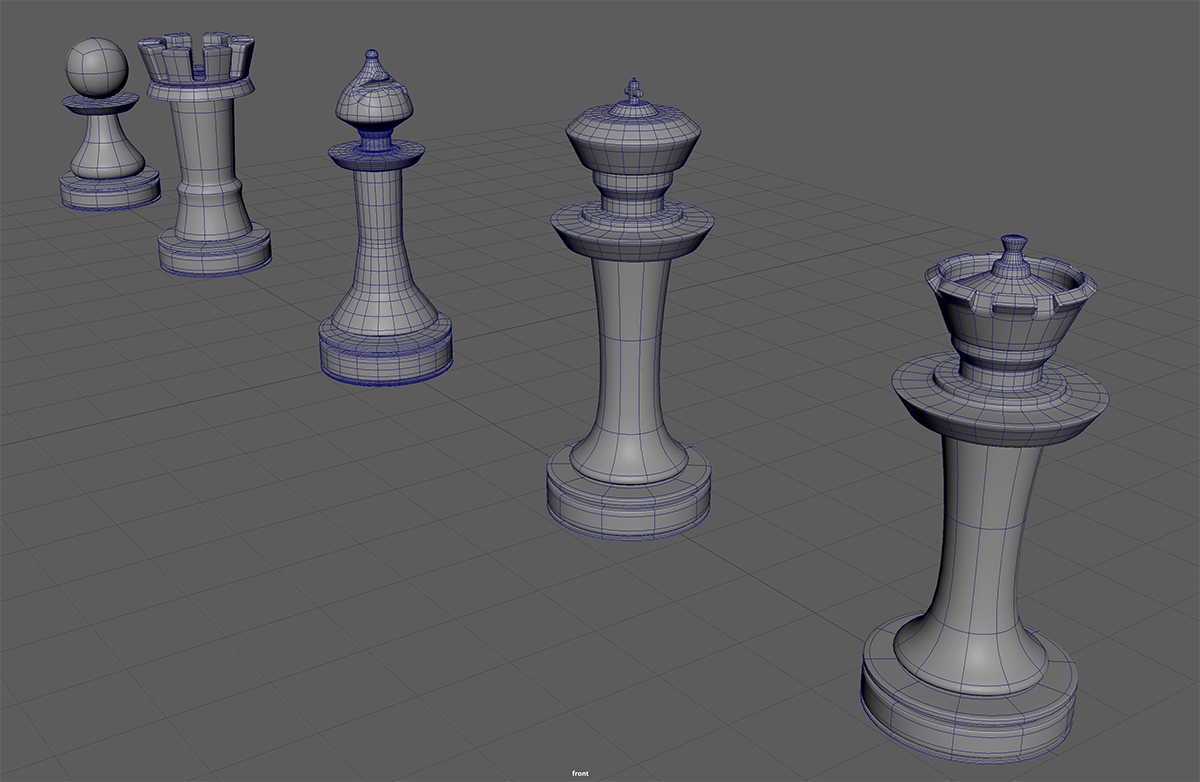
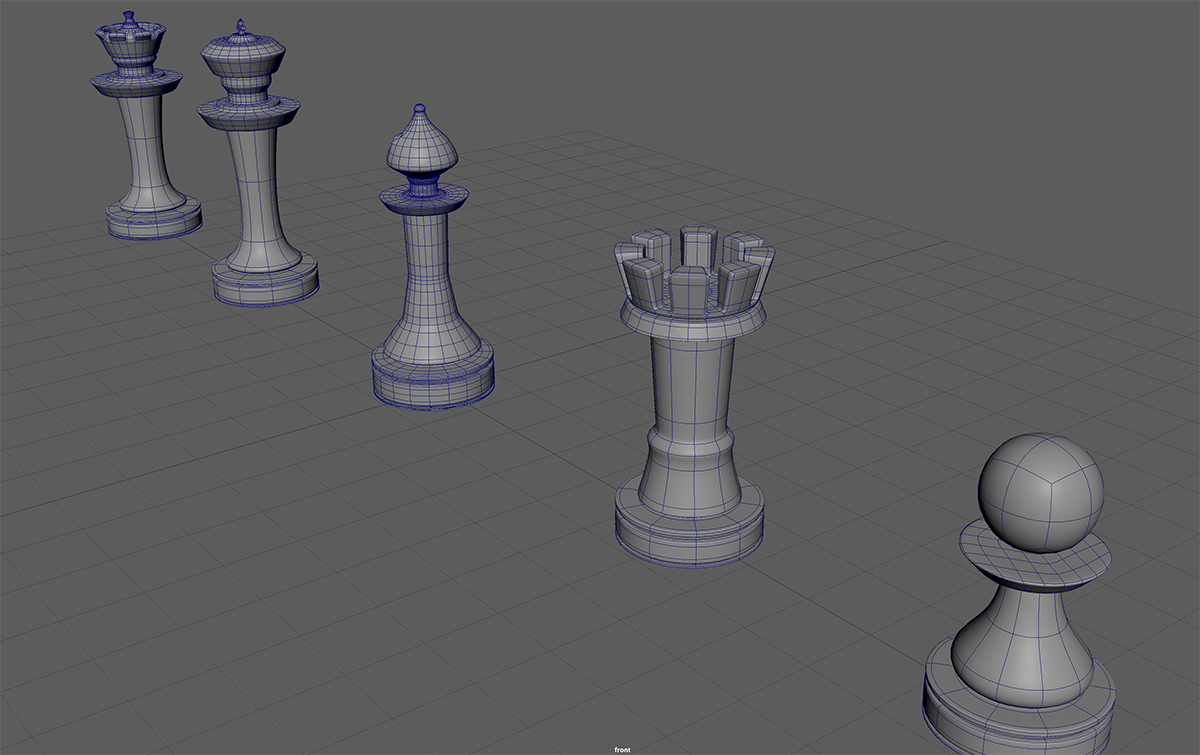
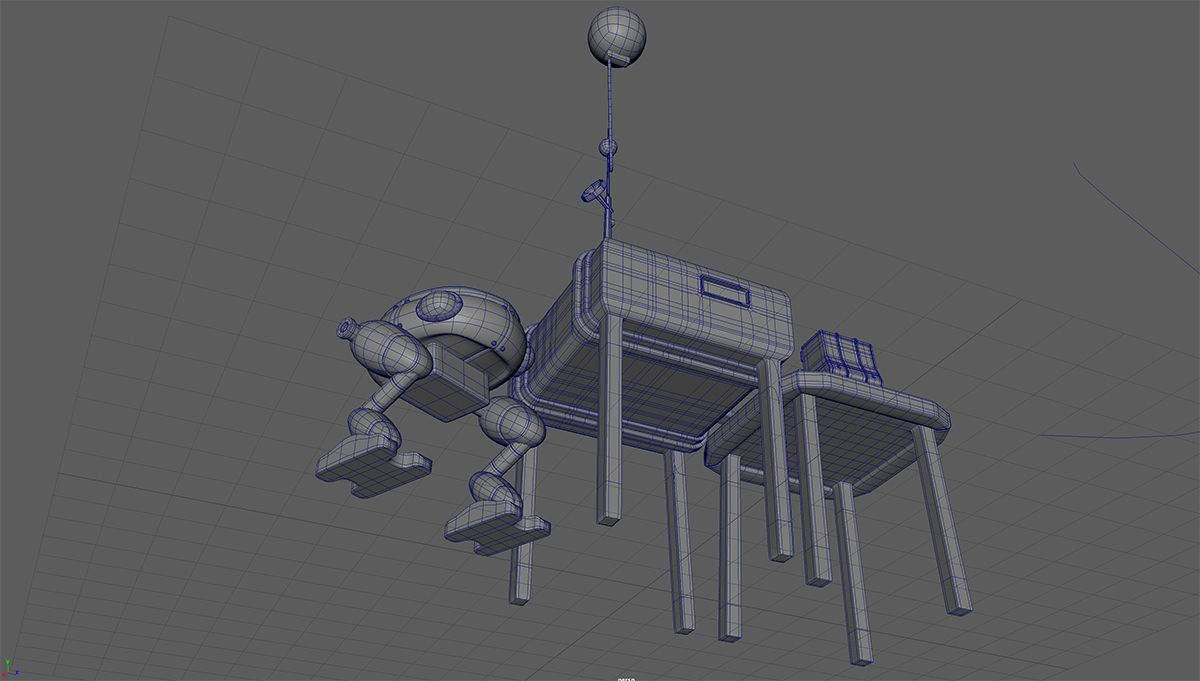
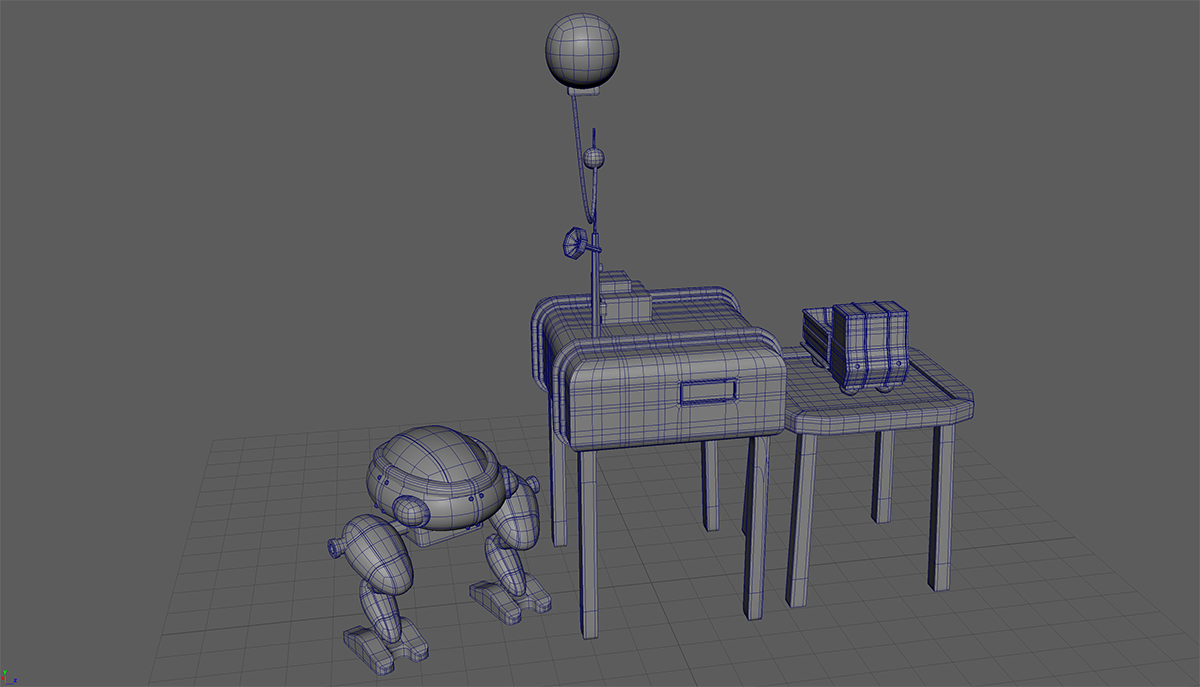
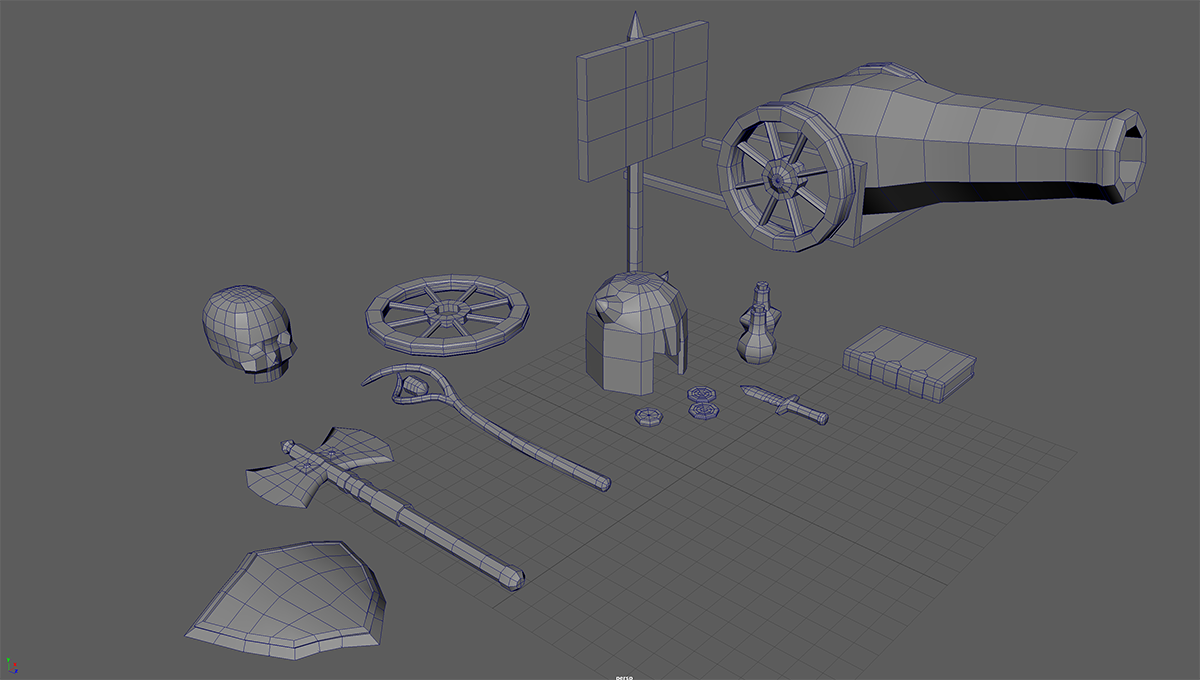
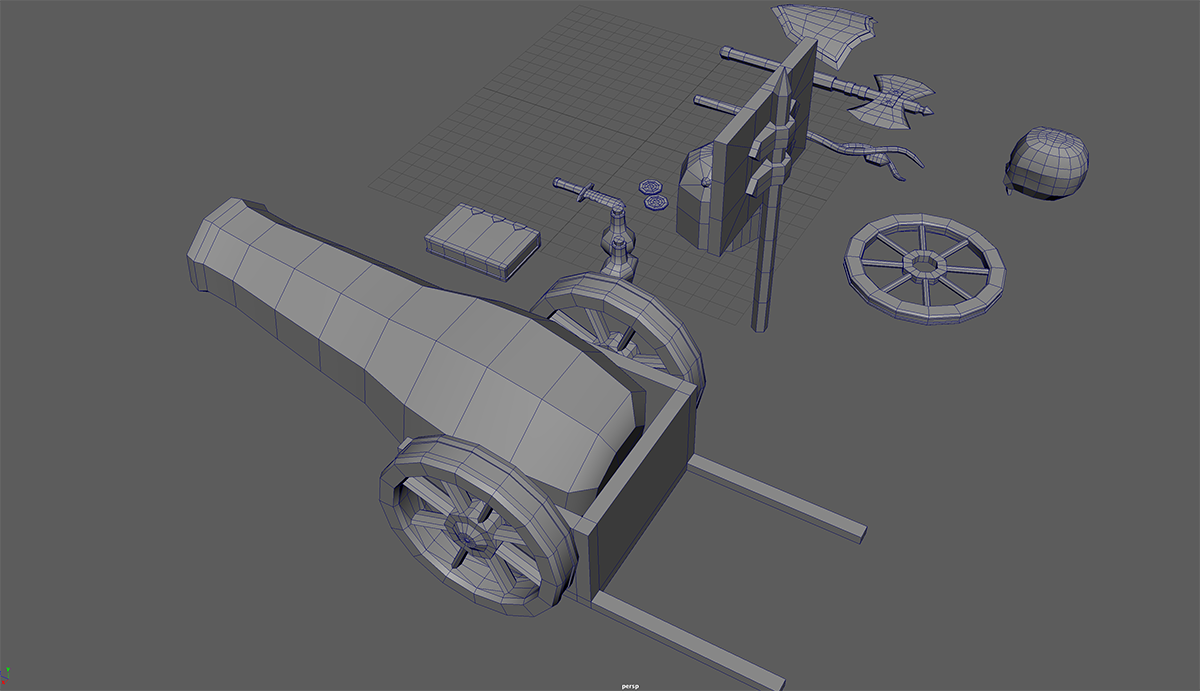
- Use modeling techniques you have learned to derive more than five different forms.
Choose a theme
- Pay close attention to overall wire frame mesh on your objects. It should look clean and neat.
- No worries about colors, textures…
- Turn in ONE Maya file on Bb.
- Name it properly. ***i.e. Joon.Sung_your chosen theme.mb
Note
Inexperienced 3D modelers often make the mistake of intersecting geometry, where two separate shapes simply pass through each other instead of sharing a clean connection or a realistic physical joint.
Common Modeling Mistakes
- Mesh Intersecting (Clipping): A cylinder arm goes straight into a torso mesh without any shoulder socket, leaving hidden geometry trapped inside.
- Floating Parts: Objects just touch at a single point or hover slightly apart because the modeler did not zoom in to check the alignment.
- Bad Topology: The faces overlap, causing visual flickering called z-fighting when rendering, or errors during 3D printing and rigging.
How to Fix It
- Extrusion: Pull new faces directly out from the first object to meet the second object.
- Boolean Operations: Use a union or boolean modifier to fuse the two meshes together into a single, solid object.
- Add a Seam or Collar: If the pieces are supposed to be separate in real life, model a small gap, a bolt, a collar, or a weld line so the transition looks intentional and physically plausible.