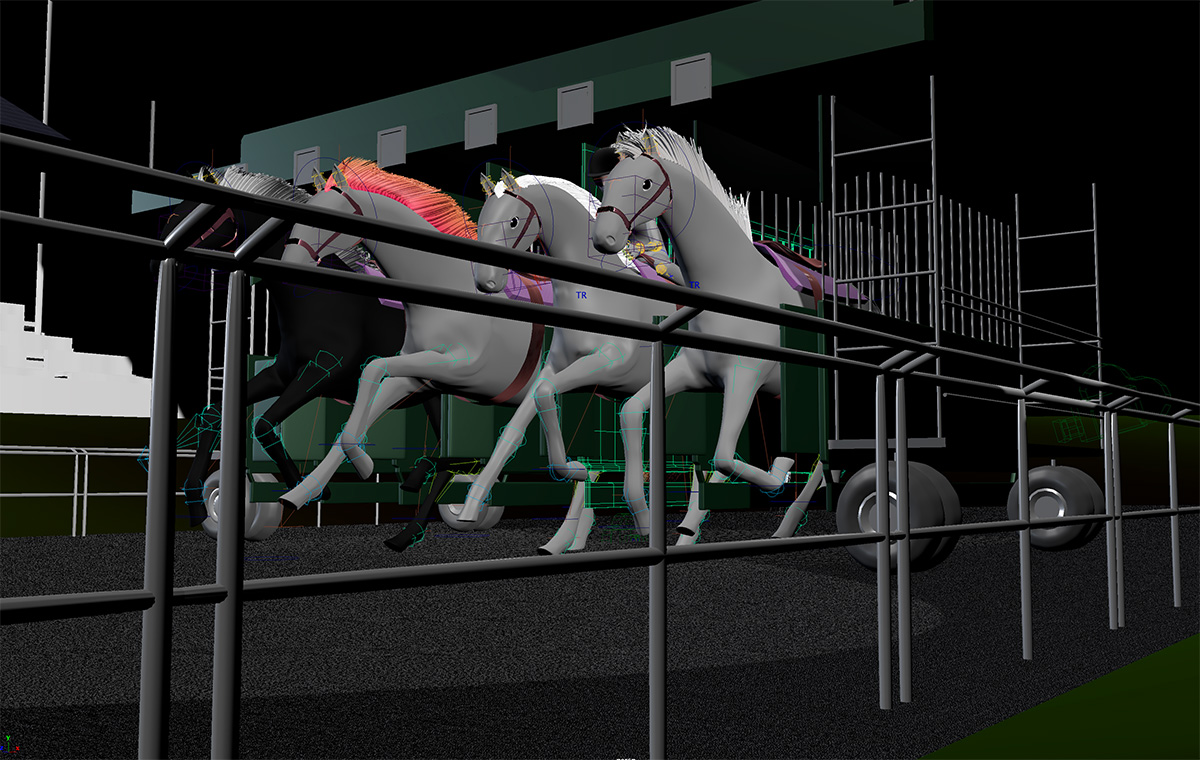
- Before the meeting, you'll need to render some still images and movie files from your 3D scene(s), then submit them on Bb in a zip file.
- At this point in time, you may use Playblast to create a quick preview video of your animation,
(or use the Render Sequence feature to export a high-quality image sequence that you will do for a final video anyway)
- Using Playblast (for quick previews)
- Go to Timeline > Playback > Playblast > Playblast Options window.
- Follow the settings below and click Playblast to start the process.
Maya will capture the active view screen for each frame and compile it into a video.

- Using Playblast (for quick previews)